Fully Customizable Rooms
Every room can be tailored from scratch — dimensions, textures and materials are all adjustable to match any real-world venue.
Screens on Every Wall
LED panels can be placed on any surface, resized to exact specifications and loaded with real video content that plays in real time.
Precise Lighting Control
Spotlights, point-lights and projectors can be configured with full control over intensity, color and cone angle for realistic results.
Projection Mapping
Video content can be projected onto any surface — including imported 3D models — with accurate light falloff and real-time preview.
This is what you can build
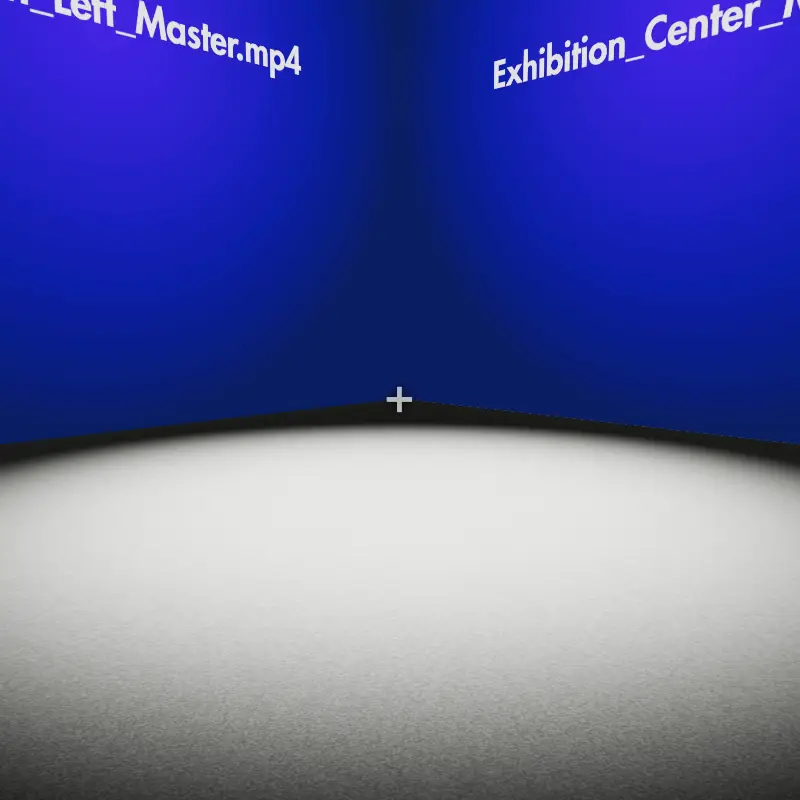
Immersive Room
Full LED backdrop with synchronized video content for immersive spaces.
View demo →
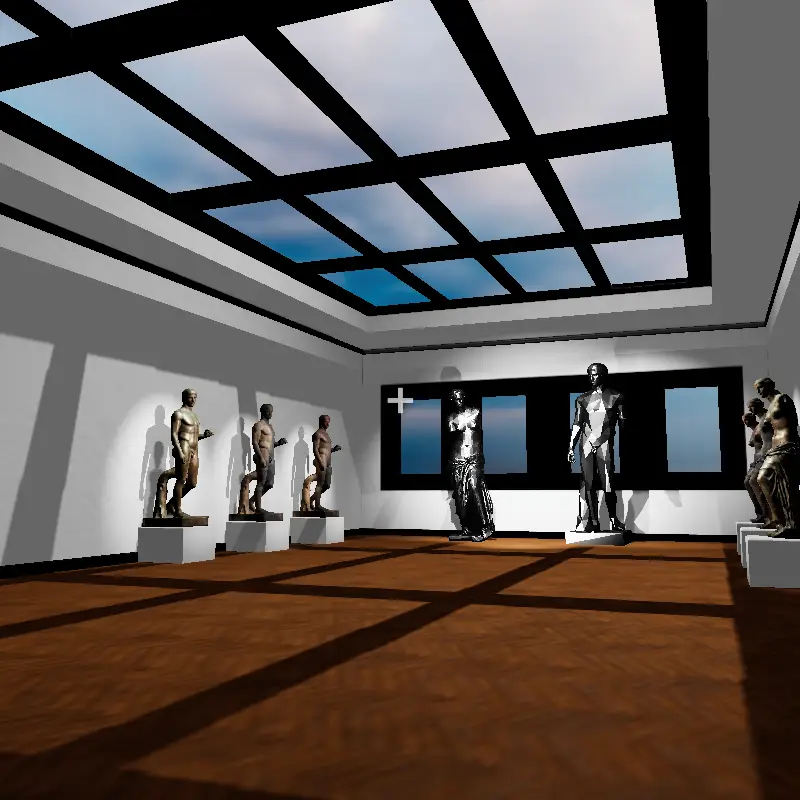
Exhibition Room
Multi-screen exhibition layout with branded video walls and spotlights.
View demo →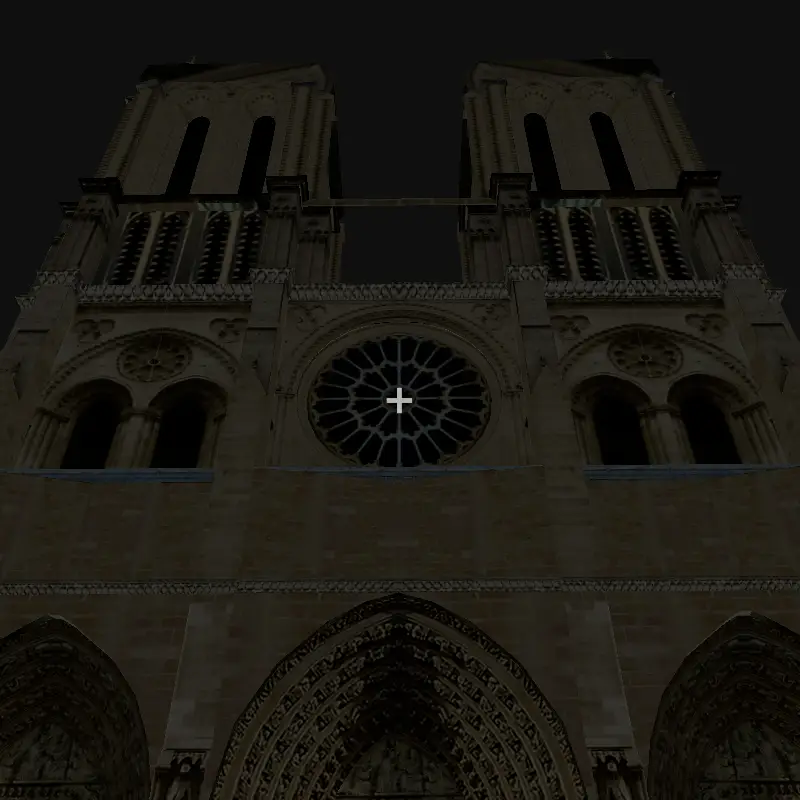
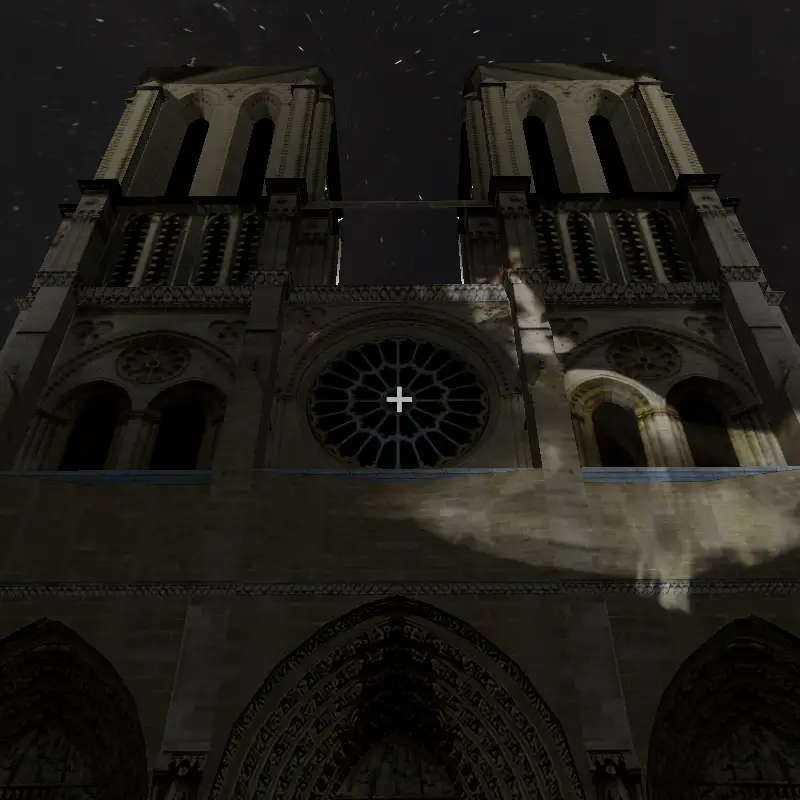
Mapping
Projection mapping of video content onto architectural 3D objects with accurate light falloff preview.
View demo →Our Services
Choose the plan that fits your space
Immersive Room
Design and 3D visualization of an immersive room with LED screens and synchronized video content.
- Space measurements
- Videos to display
Immersive Space
3D visualization with a custom 3D model placed inside your room alongside LED screens and video content.
- Space measurements
- 3D object in GLB format
- Videos to display
Full Exhibition Space
Full multi-room exhibition space with screens on all surfaces and a 3D model of your venue.
- 3D object in GLB format
- Videos to display in all rooms
Mapping
Projection mapping of video content onto architectural 3D objects with accurate light falloff preview.
- 3D object in GLB format
- Videos to project
* Prices shown are base prices and do not include local taxes applicable in your country.
** The final price will be given after our team reviews your project.
Frequently Asked Questions
How can I get in touch with a question?
You can reach us at info@mockdatscreen.com — we will be happy to answer any questions you may have.
How long does it take to receive my 3D visualization?
All projects are delivered within 48 hours of receiving all required materials (measurements, videos, 3D models). You will receive a shareable link to explore your scene.
Which devices can viewers use to explore the scene?
All visualizations are accessible on mobile (iOS and Android) and desktop (PC/Mac) directly from any browser, with no app installation required.
Is VR supported?
Yes — immersive rooms, exhibition spaces and full exhibition projects can be explored in VR using compatible headsets. The only exception is projection mapping on 3D architectural models, which is desktop and mobile only.
What materials do I need to provide?
Depending on the project: room dimensions, your videos in MP4 or WebM format, and for projects involving custom 3D models, a GLB file of your space or object.
Can I share the result with my clients?
Absolutely. Each completed project has a unique shareable link. Your clients can open the immersive 3D preview directly in their browser — no login or installation needed.
Do I need an account to use the 3D editor?
No. You can open the editor and start building a scene right away, no registration required — including the free built-in asset library. A free account is only needed to save your projects to the cloud and share them with a link.
Which file formats can I import?
3D models in GLB, GLTF, OBJ, FBX and STL; videos in MP4, WebM and MOV; images and textures in JPG, PNG and WebP; HDR and EXR environment maps for lighting; and MP3 audio.
Is there a free asset library?
Yes. The editor ships with a commons library of ready-to-use 3D models, textures and videos — such as low-poly nature packs — that anyone can drop into a scene, with no login required.
What can I build in the editor?
Rooms and custom 3D venues, LED screens on any surface playing your videos, projection mapping onto architectural models, lights, PBR materials, ambient audio and camera animations. You can also walk through the scene in first-person (POV) mode.
How is my content stored and protected?
Your uploads are private to your project, stored on secure cloud storage and always served over HTTPS. They are only visible to people you give a share link to, and you can export or permanently delete all your data at any time.
How much does it cost?
Using the 3D editor is free. Done-for-you visualization services (immersive rooms, exhibition spaces, projection mapping) are delivered through project codes — write to info@mockdatscreen.com for a quote.